Menu
for....
Adding Details
Up
Example Form
Example
Step by Step 98
Step by Step 2000
|
Step by Step Form Set up
for Front Page 98
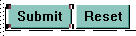
- Once the form is created, double click the "submit" button.

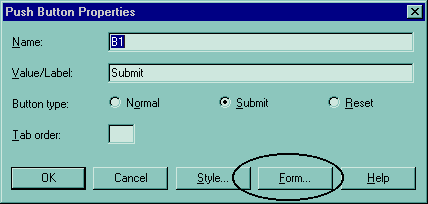
- In the "push button properties" dialog box click the "forms" button.
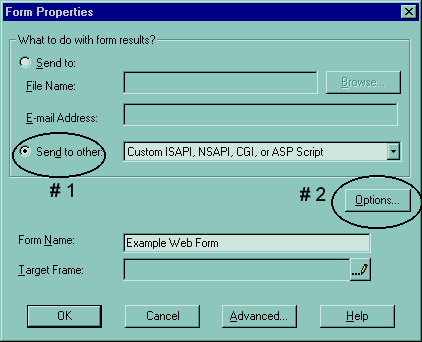
- In the "forms properties" dialog box, select "send to others:" then
click the "Options" button.
- Fill in the information needed for the "action" and the "methods."
Replace member_name with your Yahoo/GeoCities's member name.
Here....Copy this
/cgi-bin/homestead/mail.pl?member_name
- Click All the "OK" buttons to confirm all these settings you have just
established.
- Save your web page.
- Publish this web page to GeoCities and your web form will now send the results to your
Yahoo E-mail box.
- Congratulations.......you know web forms !
^
Return to Top |